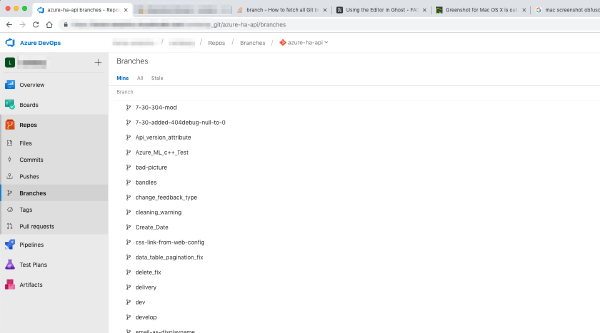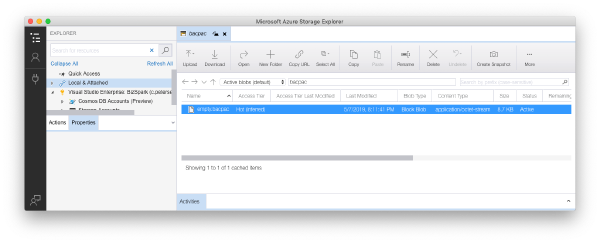

One of the major tasks since starting at HorseAnalytics has been to streamline our development efforts. Centralize the codebase on Azure Repos, refactor the code so that it can not only be built on Windows but also on other platforms like Mac OS.
One of the libraries that we use has been written in C++ for the purpose of efficiency and portability, so that it can be used on a variety of platforms. The library exposes a CLR interface but is fairly stable and does not need to be rebuilt every time other components are built.
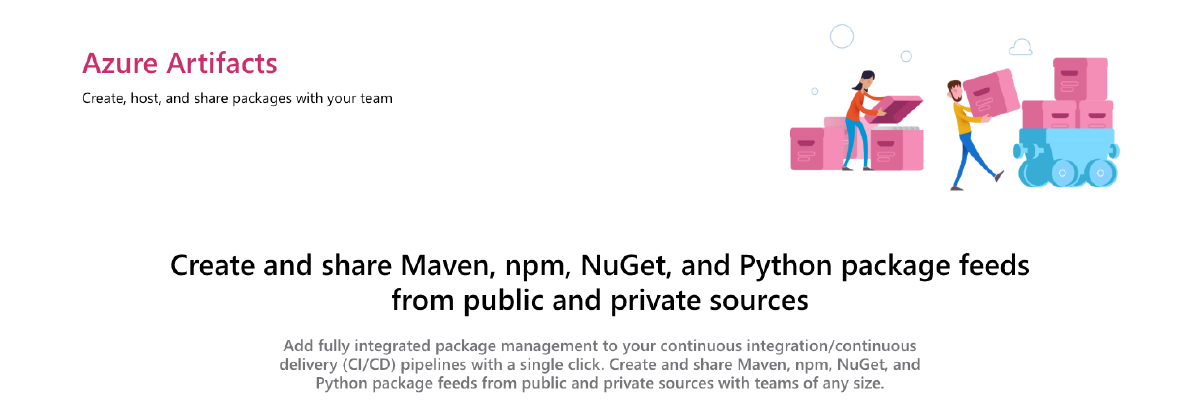
We’ve decided to move this artifact over to Azure Artifacts. Have the Pipeline build a NuGet package and push it to our internal feed. This feed of course is authenticated and just accessible for our engineering team.
Working with Azure Artifacts feeds is fairly simple if you are using Visual Studio as Visual Studio will take care of authenticating against the feed. The same goes for Azure Pipelines as the internal credential provider will take care of authentication for the feed (as long as you have given the build system the permissions to access the feed, that is).
Making Azure Artifacts feeds working outside of Visual Studio#
But what about the cross-platform development environment we have? We’ve figured out a working solution that is fairly easy to implement and maintain.
Create your Azure Artifacts feed and copy the feed URI
Create a Personal Access Token (PAT) with read rights to Packaging. Every developer in your organization should do this. As a good security principle do not use a shared PAT!
In your project file (you can also use a centralized .props file we import to all our projects) add the following properties to the topmost and unconditional
<PropertyGroup>that defines your project:
<PropertyGroup>
  https://pkgs.dev.azure.com/<ORGANIZATION>/_packaging/<FEED>/nuget/v3/index.json
</PropertyGroup>
This will tell NuGet not only to look in the default or otherwise configured feed but also in your Azure Artifacts feed. For local development this is not really necessary but Azure Pipelines also needs to know where to find the packages.
Authentication is being handled by NuGet itself. For that reason we create a nuget.config file with just an empty configuration:
<configuration></configuration>Add authentication to the NuGet configuration:
nuget sources add \
  -Name <FEED> \
  -Source https://pkgs.dev.azure.com/<ORGANIZATION>/_packaging/<FEED>/nuget/v3/index.json \
  -UserName <AZURE DEVOPS LOGIN> \
  -Password <PAT> \
  -ConfigFile nuget.config
On non-Windows platforms you need to add the -StorePasswordInClearText parameter as password encryption is currently only supported on Windows when restoring packages with dotnet .
You’ll now be able to use both nuget and dotnet commands to work with your projects and consume artifacts from Azure Artifacts.