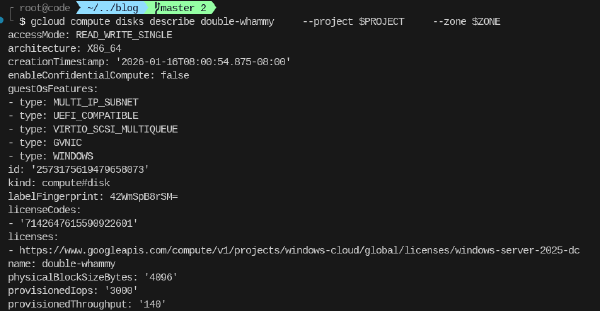
When deploying a VM running certain operating systems such as Windows Server, a license is added to the boot disk of that instance. This license is used for billing PAYG licensing.
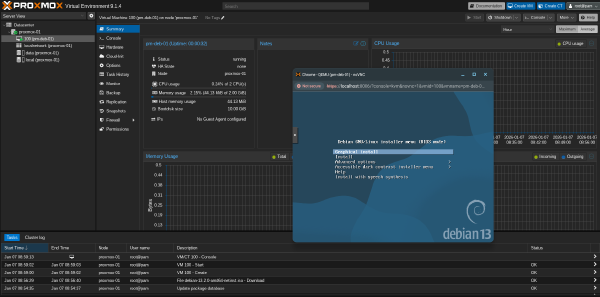
This article lays out the steps to prepare an image that can be used for GCE and GCE bare-metal instances to run Proxmox Virtual Environment (PVE). PVE is a solution similar to VMware and Nutanix that allows for management of fleet of VMs. Especially for scenarios like datacenter exits or migrations from on-premises customers look for solutions that allow them to easily transition to a virtualization solution if they are not ready for standard Google Compute Engine (GCE) VMs or if there are technical constraints that requires them to explore alternatives.
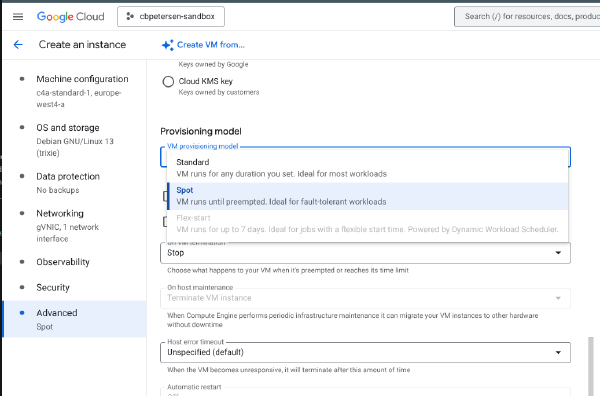
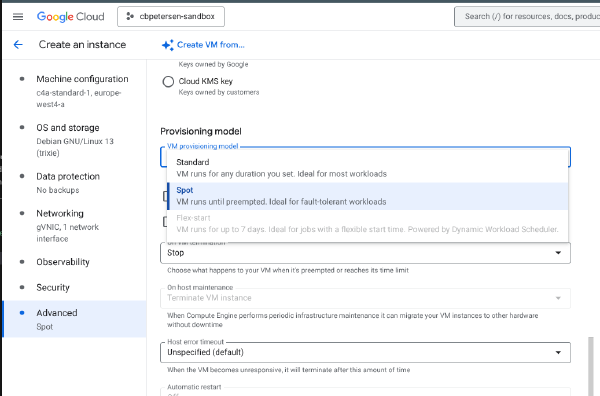
In a previous article I have explained how to change the provisioning of a VM from being preemtible to Standard. There are situations where you have a VM deployed with the Standard provisioning model but you want to reduce its cost and the workload is stateless or interruptible.
Spot VMs is a great way to reduce cost for interruptible, stateless and fault-tolerant workloads like batch processing or containers. Starting these types of VMs follows the same principles as regular VMs. The following snippet launches a C4A Spot VM:
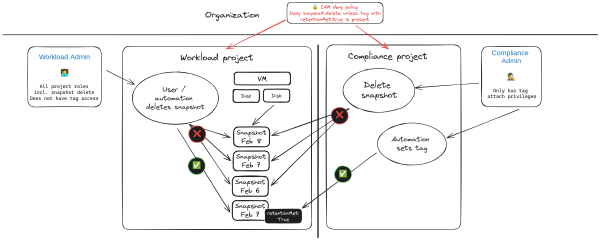
It could happen. Total mahem. An administrative pricipal for a project was accidentally leaked. An attacker has taken you projects hostage. You need to recover and fast. Restoring project access is the least of your worries your concern is to restore services. Luckily you have all workloads protected with snapshots! All deleted by the attacker! This is an exaggerated and hypothetical scenario but I have seen similar things happening. In this article I’m exploring an approach to protect against such a scenario.
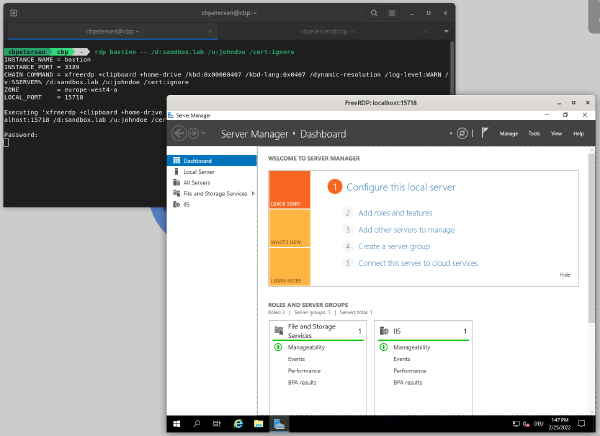
Identity-Aware Proxy (IAP) is a powerful tool in the tool chain of Google Cloud administrators and users. It can be used to control access to cloud-based and on-premises applications and VMs running on Google Cloud.
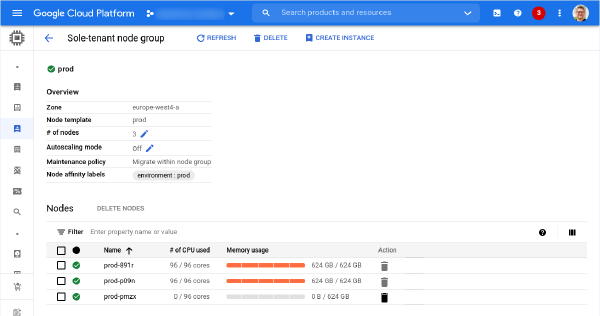
Sole-tenant nodes are an important service on Google Cloud Platform to run workloads that require workload isolation or need to comply to specific licensing requirements that demand dedicated infrastructure. A detailed description what a Sole-Tenant Node is and how it is different from general fleet VMs can be found in the Compute Engine documentation.
Sole-tenant nodes are being used by customers for workload isolation and also for licensing compliance (e.g. bringing Window Server licenses). Throughout the life cycle of a sole-tenant node there might be the necessity of moving virtual machines to another node group or even to another machine family (e.g. moving to N2 from N1). Refer to the documentation, to learn more about Node affinity and anti-affinity options.