
For automatic deployment of test environments we are spinning up App Service instances and want to automatically set connection strings for the database and other services in the same template.
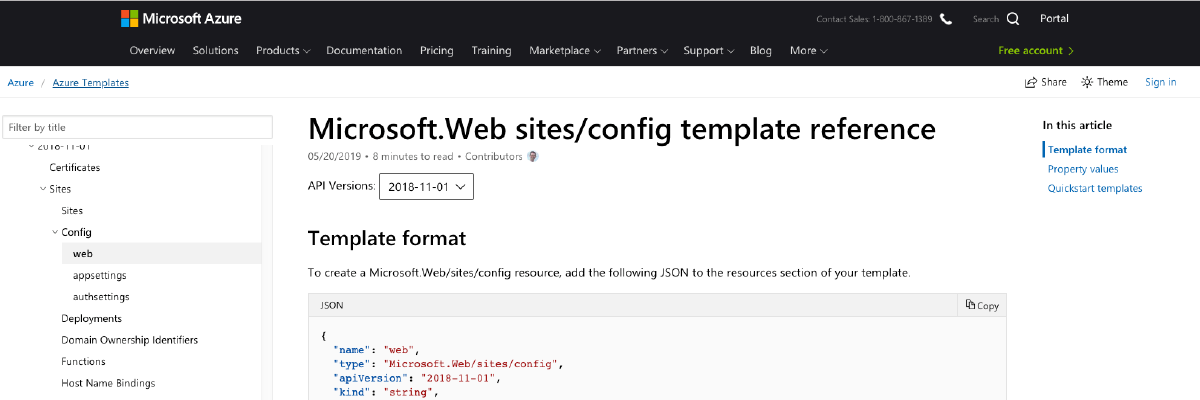
According to the Azure Resource Manager documentation the property connectionStrings of the Microsoft.Web/sites/config resource type can be used. Alas, when I use that property the connection strings are not configured on the App Service.
I found some older template examples that set the connection string as part of the Microsoft.Web/sites resource type:
{
    "type": "Microsoft.Web/sites",
    "apiVersion": "2018-11-01",
    "name": "[variables('nameSite')]",
    "location": "[variables('locationFarm')]",
    "dependsOn": [
        "[resourceId('Microsoft.Web/serverfarms', variables('nameFarm'))]",
        "[resourceId('Microsoft.Sql/servers/databases', variables('nameSqlServer'), variables('nameSqlDatabase'))]"
    ],
    "kind": "app",
    "properties": {
        "enabled": true,
        "serverFarmId": "[resourceId('Microsoft.Web/serverfarms', variables('nameFarm'))]",
        "siteConfig": {
            "connectionStrings": [
                {
                    "name": "MyDb",
                    "connectionString": "[concat('Server=tcp:', variables('nameSqlServer'), '.database.windows.net,1433;Initial Catalog=', variables('nameSqlDatabase'), ';Persist Security Info=False;User ID=', variables('usernameSql'), ';Password=', parameters('PasswordSql'), ';MultipleActiveResultSets=False;Encrypt=True;TrustServerCertificate=False;Connection Timeout=30;')]",
                    "type": "SQLAzure"
                }
            ]
        }
    }
}
Now the connection strings are set properly.