Changing Standard VMs to Spot provisioning model
  1. Posts/

Changing Standard VMs to Spot provisioning model

·140 words·1 min
Christoph Petersen
Author
Christoph Petersen

In a previous article I have explained how to change the provisioning of a VM from being preemtible to Standard. There are situations where you have a VM deployed with the Standard provisioning model but you want to reduce its cost and the workload is stateless or interruptible.

All good examples on why you may want to switch the provisioning model from Standard to Stot. Here is how you do it using gcloud:

Changing the provisioning model using gcloud
#

Before you can change the provisioning model, you need to shut down the VM.

gcloud compute instances set-scheduling spotty \
    --provisioning-model SPOT \
    --maintenance-policy TERMINATE \
    --preemptible \
    --no-restart-on-failure

That’s it. Just like that your VM is now running as a Spot VM. Be aware that it can be preempted at any time so make sure your workload supports that.
Related

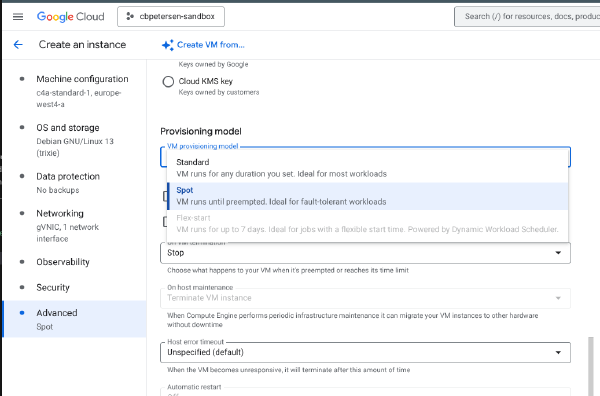
Changing provisioning model for Spot VMs

·234 words·2 mins
Spot VMs is a great way to reduce cost for interruptible, stateless and fault-tolerant workloads like batch processing or containers. Starting these types of VMs follows the same principles as regular VMs. The following snippet launches a C4A Spot VM:

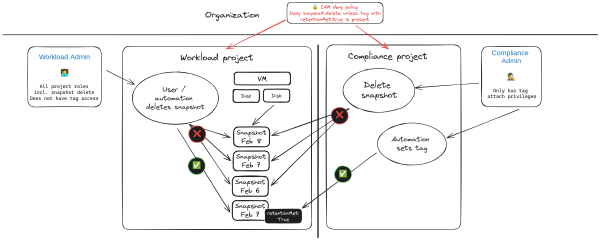
Protect disk snapshots against accidental deletion or malicious tampering

·1421 words·7 mins
It could happen. Total mahem. An administrative pricipal for a project was accidentally leaked. An attacker has taken you projects hostage. You need to recover and fast. Restoring project access is the least of your worries your concern is to restore services. Luckily you have all workloads protected with snapshots! All deleted by the attacker! This is an exaggerated and hypothetical scenario but I have seen similar things happening. In this article I’m exploring an approach to protect against such a scenario.

IAP command chaining

·584 words·3 mins
Identity-Aware Proxy (IAP) is a powerful tool in the tool chain of Google Cloud administrators and users. It can be used to control access to cloud-based and on-premises applications and VMs running on Google Cloud.