
Azure Pipelines Xcode build task treats swift warnings as errors
  1. Posts/

Azure Pipelines Xcode build task treats swift warnings as errors

·154 words·1 min
Christoph Petersen
Author
Christoph Petersen

Migrating the build pipeline for one of our apps to Azure DevOps turned out to be a rather lengthy process. Building on my local machine with the same version Xcode and CocoaPods ran through seamlessly, but the CI build was failing continuously.

The fact that the command line build utility xcodebuild does not actually print out the error does not help the issue.

After hours of trial and error it came to me that the hosted MacOS build agent treats Swift compiler warnings as errors, regardless what has been configured for the project or workspace.

To make sure that you project builds fine on the hosted MacOS build agent, make sure that you do not have any Swift compiler warnings. You can replicate the settings in Azure DevOps by also treating Swift compiler warnings as errors.

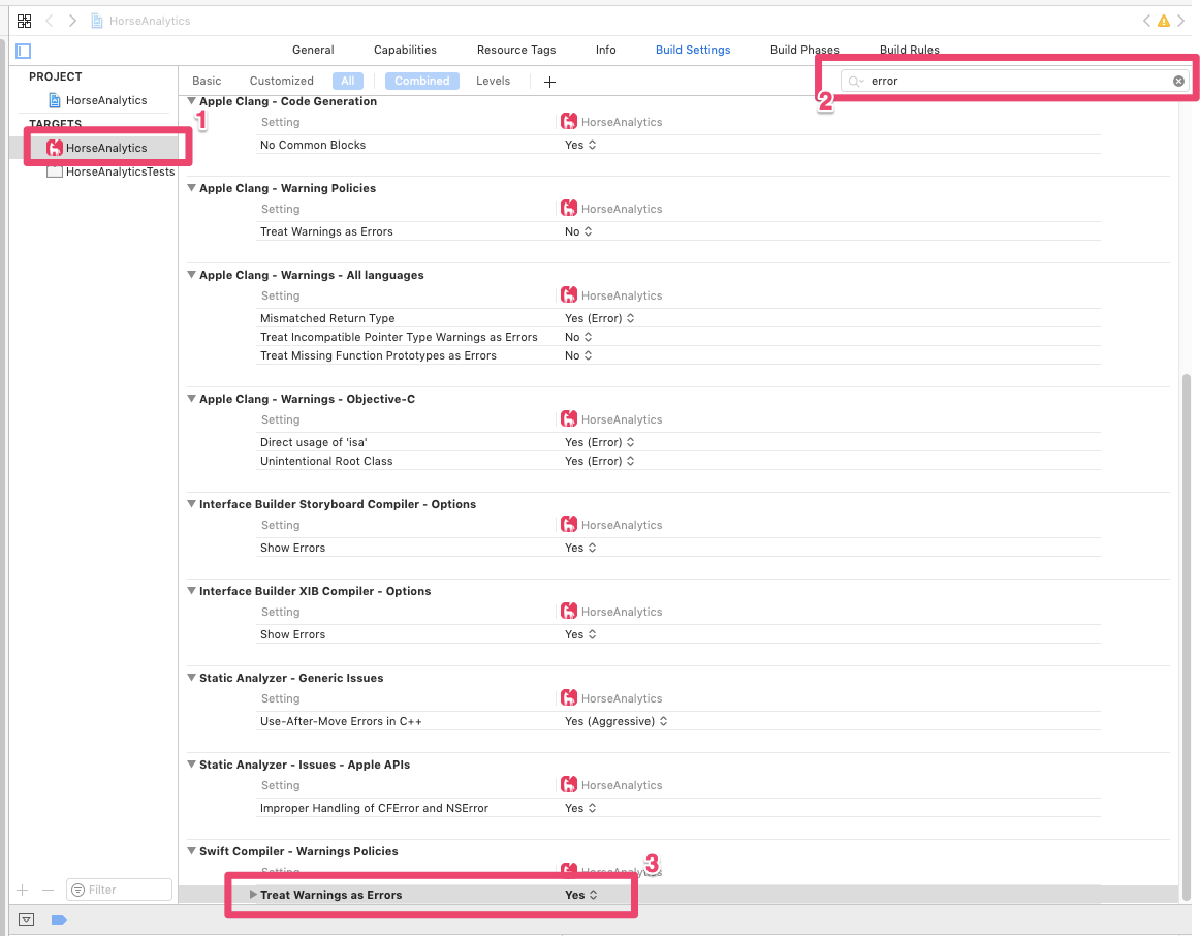
In Xcode, select your target, search for error and change the setting Treat Warnings as Errors to Yes.
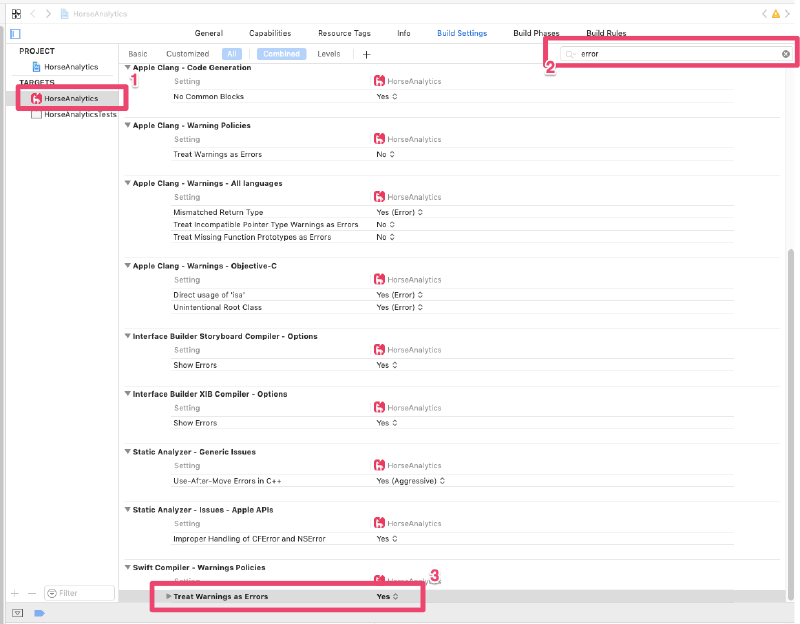
Configuring Swift Compiler - Warning policies in Xcode

Related

Run Visual Studio Test task in 64bit

·132 words·1 min
All of our managed assemblies are build with the any cpu target and we can use both the 32-bit and 64-bit task runner of Azure Pipelines.

Use Azure Artifacts outside of Visual Studio

·438 words·3 mins
One of the major tasks since starting at HorseAnalytics has been to streamline our development efforts. Centralize the codebase on Azure Repos, refactor the code so that it can not only be built on Windows but also on other platforms like Mac OS.

Management groups vanishing from Azure portal after rename

·99 words·1 min
If you use Management groups to manage Azure at scale you may get hit with a bug in the Azure portal, that I discovered today. If you rename the Root Tenant Group the portal stops showing any previously create management groups. Their assignment are still active and you can still manage them using PowerShell or CLI but the portal will start show the out-of-the-box experience.